 SettlementBooks
The books for owner-operators, built around your settlement.
Upload your carrier settlement, snap fuel and repair receipts on the road, and SettlementBooks keeps your profit, IFTA, maintenance records and CPA package up to date on your Android phone.
Android · Free during the beta · Your data stays on your phone
How it works
Three habits keep your books current without sitting at a desk.
Upload the settlement
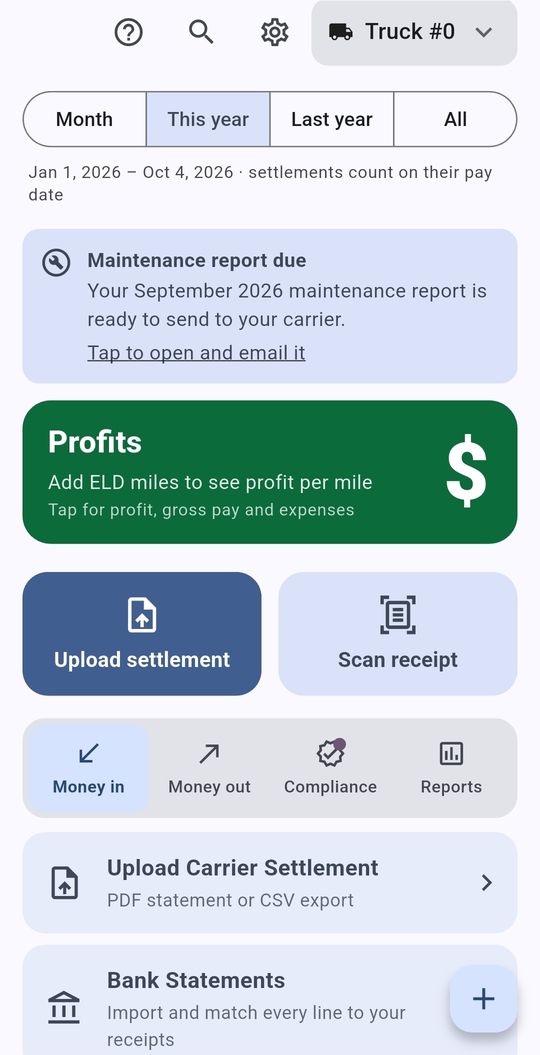
Pick the PDF your carrier emails you. Loads, deductions and net pay go straight into the books.
Snap receipts as you go
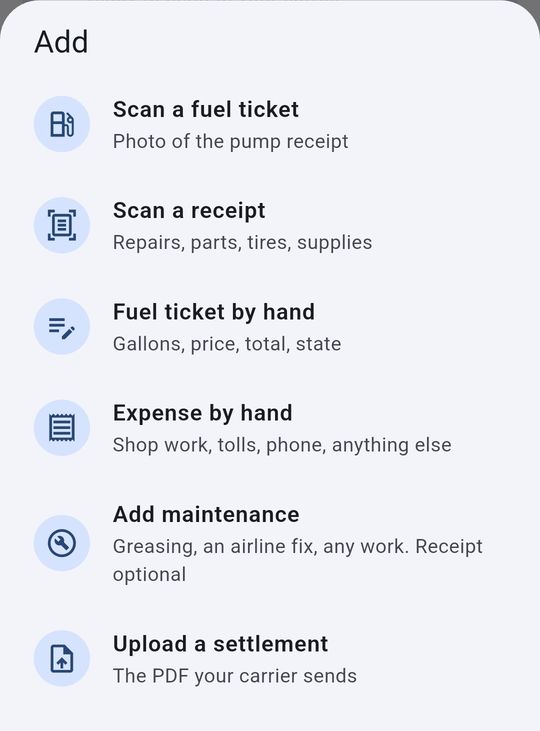
Fuel at the pump, parts at the shop, grease in the yard. Tap + and take a photo.
Send it out
Maintenance report to the carrier each month, the quarterly package to your CPA, IFTA numbers when they’re due.
See it on the phone
Big buttons, plain words, and everything a tap or two away. Swipe to see more.
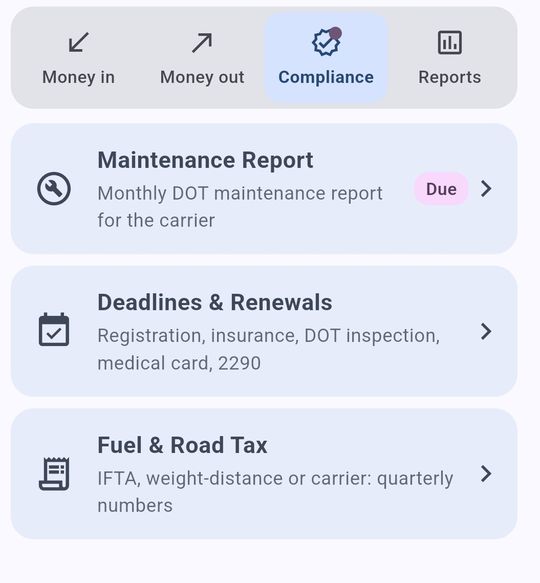
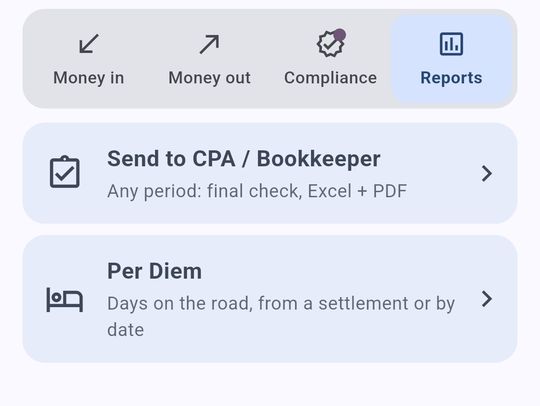
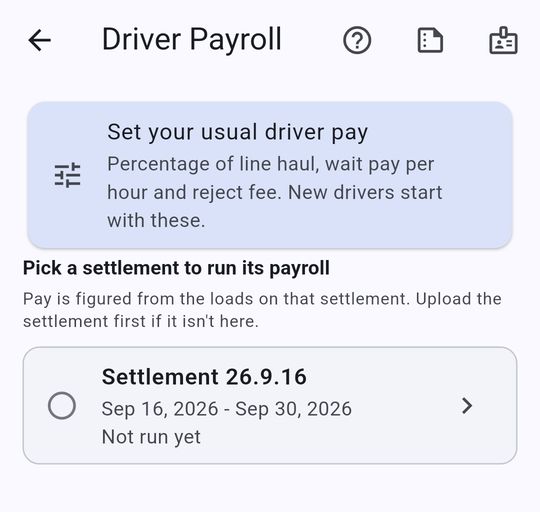
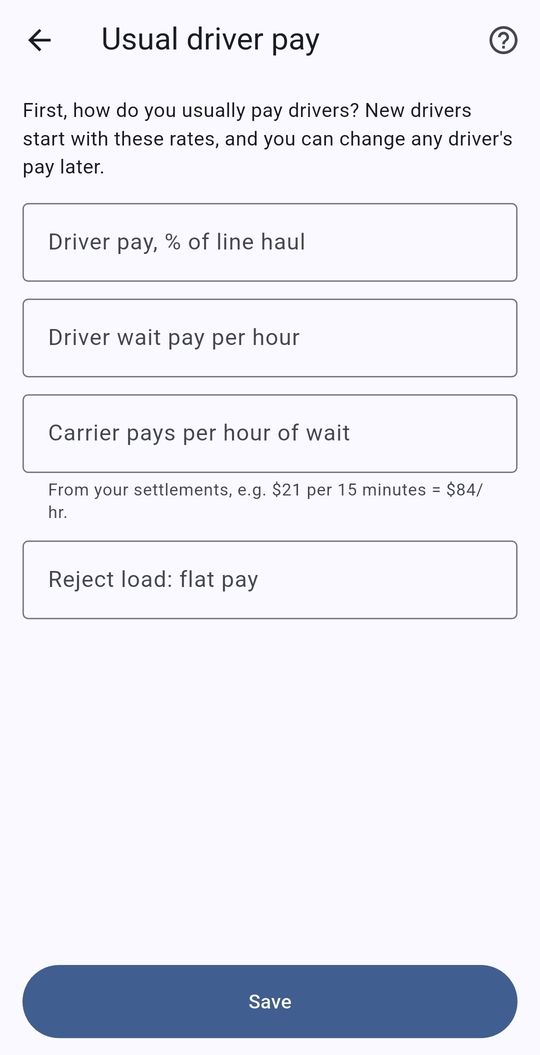
Everything an owner-operator keeps track of
Built by a working owner-operator, for the paperwork that comes with running a truck.
Reads your settlement
Upload the PDF your carrier sends. Every load, deduction and fuel charge lands in the books, checked so gross, deductions and net all tie out.
Snap fuel and receipts
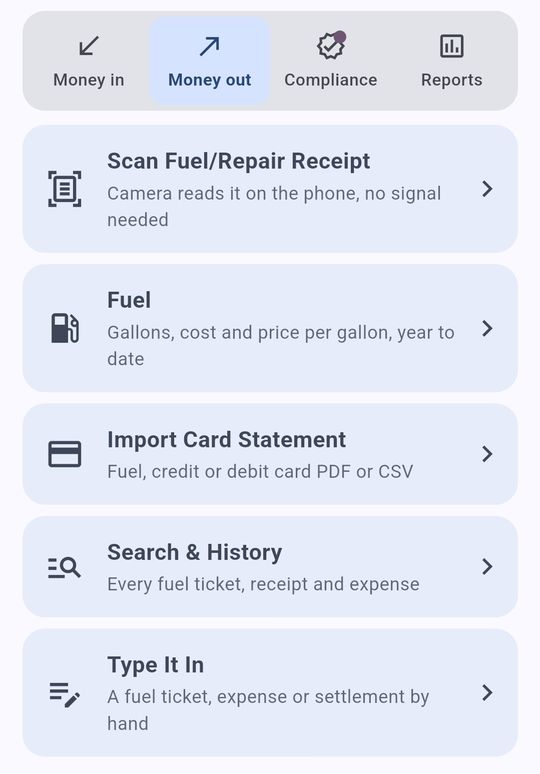
Take a photo at the pump or the shop. Gallons, price, total, state and odometer are read right on the phone, no signal needed.
DOT maintenance report
Every repair by truck and trailer, with odometer and who did the work. Email it to your carrier each month, receipts attached if you want.
IFTA and road tax
Miles and gallons by state for your quarterly IFTA return, or weight-distance tax for NM, OR, KY, NY and CT.
Profit per mile
See what each mile really earns. Profit & Loss by month, quarter or year, and a chart of where the money goes.
Ready for your CPA
One tap makes a PDF summary and an Excel workbook with every transaction, ready to email to your accountant.
Driver payroll (Fleet)
Driver pay straight from each settlement: percent of line haul, hourly wait, flat reject pay. Pay stubs and year-end 1099 / W-2 totals.
Bank and card statements
Import statements and match every line to a receipt, so nothing is counted twice and nothing is missed.
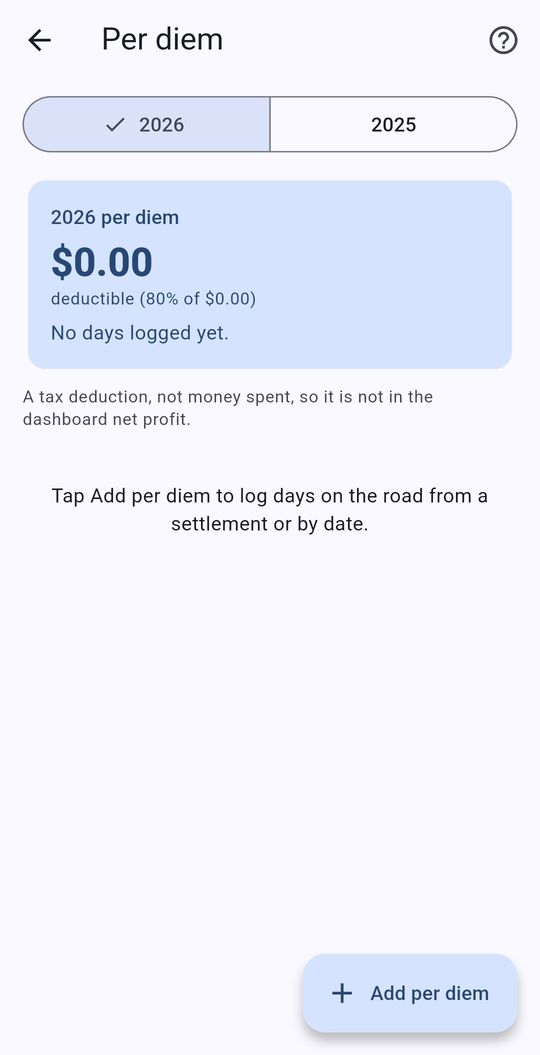
Per diem from your settlements
Days away from home are counted straight from the load ticket dates on your settlements, with partial days at 75%, ready for the meals deduction.
Trucks and trailers
Add, swap, rent or sell trailers any time. Repairs stay with the truck or trailer they were done on, so old reports never change.
Every document in one place
Every settlement, statement and receipt photo, sorted by type. Open any settlement’s details or print a receipt in a couple of taps.
Deadlines and reminders
Registration, insurance, inspections, medical card and 2290 reminders before they expire, plus a monthly maintenance-report nudge.
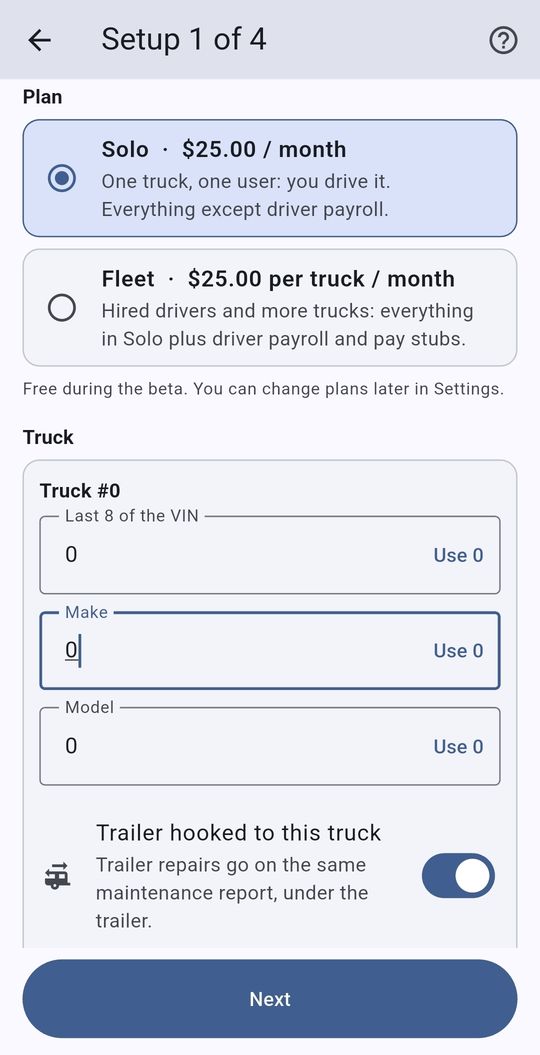
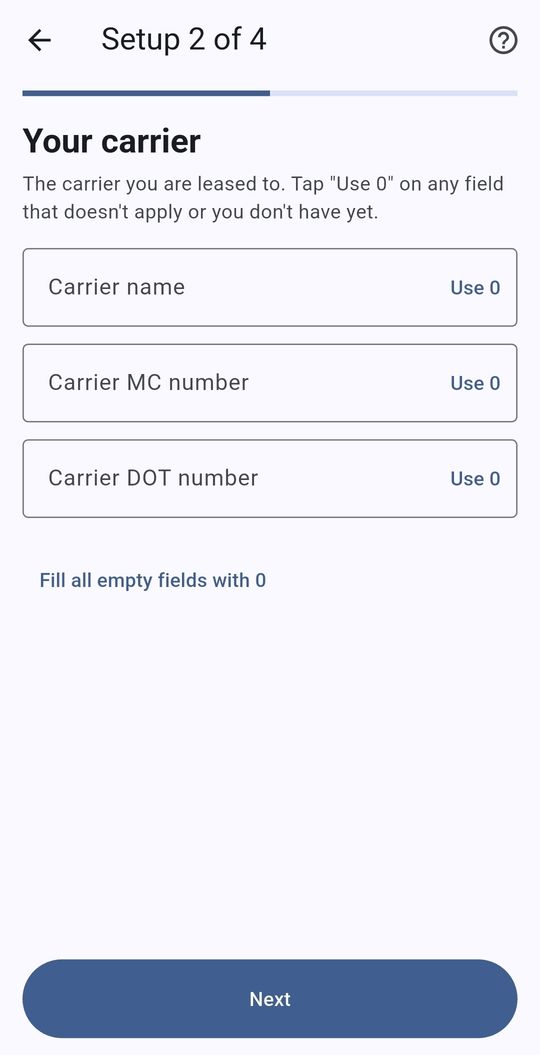
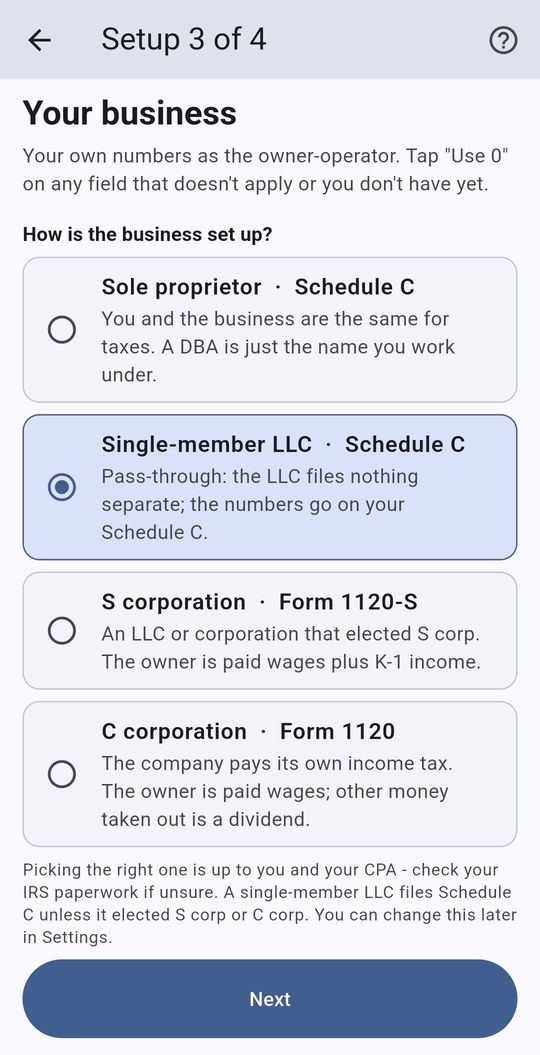
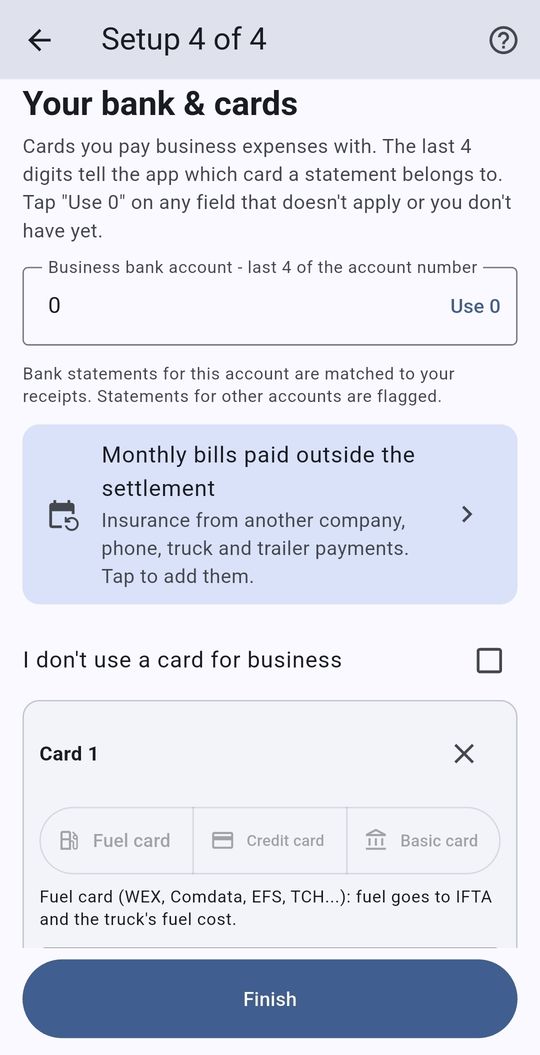
Set up in about five minutes
Four short steps, and any of them can be changed later in Settings.
Your books stay on your phone
SettlementBooks doesn’t need an account and doesn’t send your numbers anywhere. Back up to your own Google Drive with one tap, and move to a new phone just as easily.
- No dollar amounts on the home screen, so nobody looking over your shoulder sees them
- Only the last 4 digits of cards and accounts, never full numbers
- One-file backup with every receipt photo, to Google Drive or Downloads
- Undo after any delete, in case of a slip
- Big buttons that work with gloves on, and Dark mode for the cab at night
Simple pricing
Free while the beta runs. When it’s released on Google Play:
One truck, one owner-operator.
- Settlements, fuel, receipts and expenses
- Maintenance report and IFTA
- Per diem from settlement dates
- P&L and CPA package
Everything in Solo, for as many trucks as you run.
- Driver payroll and pay stubs
- Year-end 1099 / W-2 totals
- Per-truck profit and reports
Questions
Who is SettlementBooks for?
Owner-operators leased to a carrier, and small fleets, who get paid by carrier settlement statements. Support for truckers running under their own authority is planned.
Which carriers does it work with?
Any carrier that sends a settlement PDF. If the app hasn’t seen your carrier’s layout yet, you show it one statement (about two minutes) and it reads that carrier from then on.
Is it on iPhone?
Android only for now. An iPhone version is planned.
Where is my data kept?
On your phone. There’s no account and nothing is uploaded to us. You can save a backup file to Google Drive or anywhere you choose. See the privacy policy.
Does it do my taxes?
No. It keeps the books and does the math, then hands your CPA clean numbers. Tax questions belong with your CPA.
What happens after the beta?
The beta runs through December 31, 2026. When the released app comes out, install it over the beta and everything you entered carries over.
Try it on your next settlement
The beta is free through December 31, 2026, and everything you enter carries over to the released app.
Get the free beta